
No folders to maintain. No complicated systems to build. Write first, organize later, simply use tags.
A calm place to
think and write
Download the betaWindows & Linux
Introducing
 Sea
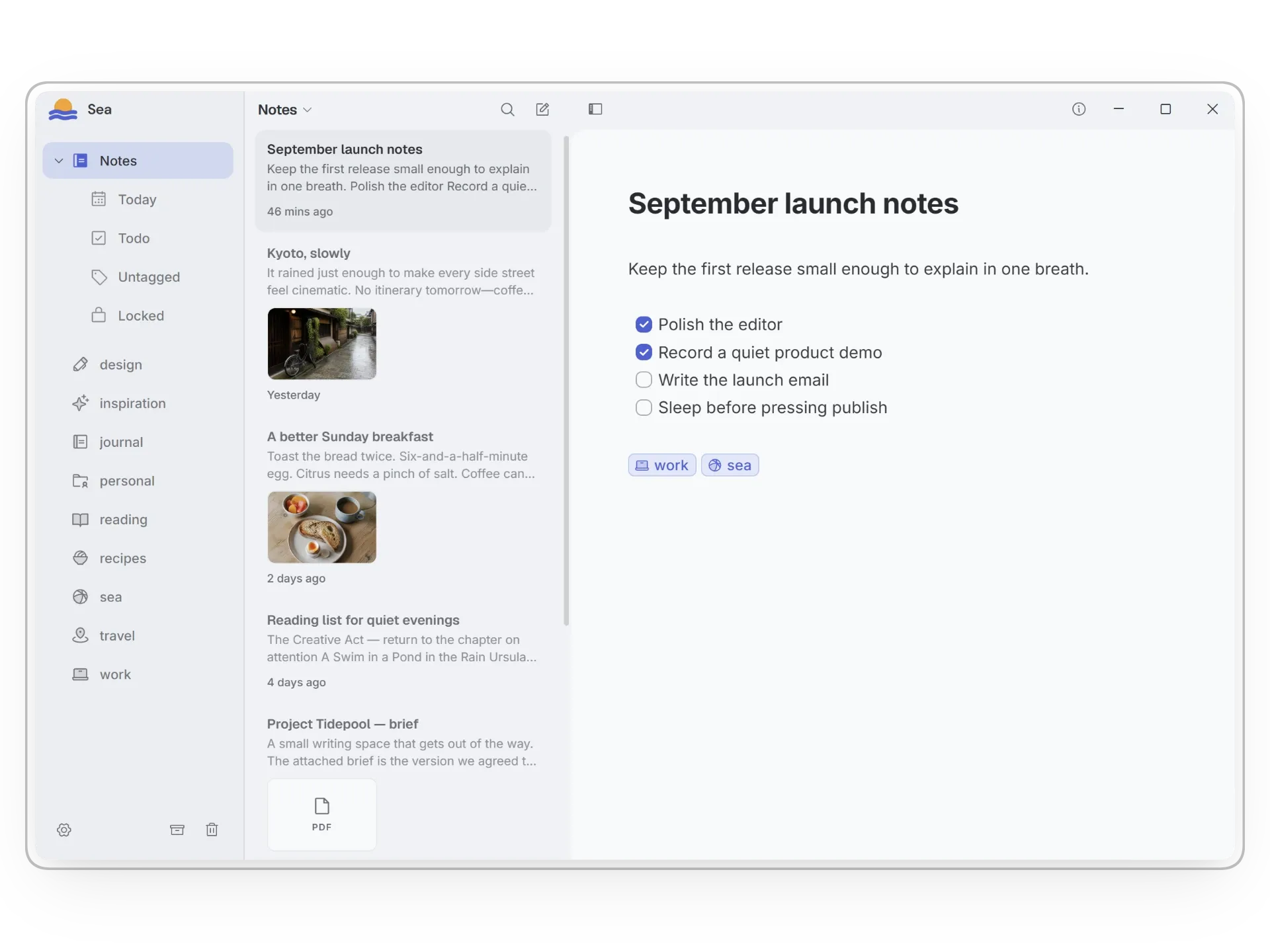
SeaSea is a calm note-taking app for clear thinking. Write without distractions, keep your notes private, and rediscover the ideas that matter.
Connect related thoughts directly. Build context between notes without moving anything into a rigid hierarchy.
Keep sensitive writing behind Lock Notes, with Windows Hello integration for quick, secure access. Your notes remain local, private, and under your control.
Sea gives tags fitting icons automatically, making a growing collection easier to recognize at a glance.
Your notes,
still yours.
Sea keeps your library on your computer, private and close at hand. Write naturally with Markdown, keep images and documents protected inside Sea, and save out a copy whenever you need one.
Kept on your deviceAttachments encrypted
Private on this device
Walking the coast
The morning was clear enough to see the line where the water changed color.
Everything,
without the clutter.
Open Sea and start writing. When you need more, thoughtful themes, flexible settings, and fast search are already within reach.
Color scheme
Search all notesCtrl K
Sea
Notes
Welcome to SeaSea is a focused place for your notes.
Ideas worth keepingA quiet list of thoughts to return to.
Find notes, tags, and lists from one place.
A few things
to know.
Sea is still taking shape. Here is what to expect from the beta today.
Is Sea free?
Yes. The Sea note-taking app is free and always will be. Optional cloud services such as sync, along with a small number of future in-app extras, may be offered separately.
What does beta mean?
You can use Sea today, but parts of the experience may still change and occasional issues are possible. Keep a regular backup of anything important.
Which Linux download should I choose?
Choose the .deb package for Debian-based systems such as Ubuntu. Choose AppImage if you prefer a portable build that can run across many Linux distributions.
Is Sea coming to macOS or mobile?
Sea is currently available for Windows and Linux. Support for other platforms is planned, with more details to come as development progresses.
Will Sea sync between devices?
Sync is an upcoming feature. It is being designed to fit Sea’s private, local-first approach, and more details will be shared before it becomes available.
Where can I find release notes?
New features, improvements, and fixes are published in the Sea changelog.
Are my notes truly private?
Sea is built around local-first storage, so your library stays on your device. Sensitive notes can also be locked, with their contents and attachments protected.
Can I access my notes outside Sea?
Yes. Sea provides export features so you can take your writing and attachments out when you need them.
Can I import notes from another app?
Yes. Sea already supports importing a selection of common note formats, with support for more formats planned over time.
A quieter place
to write.
Download the Sea beta for Windows or Linux and make room for the ideas worth keeping.
Download SeaWindows x64 · Linux x64